
The complete writing workspace
Everything your novel needs, connected.
Write, organize, track, and share your story without splitting its people, places, history, and manuscript across separate tools.
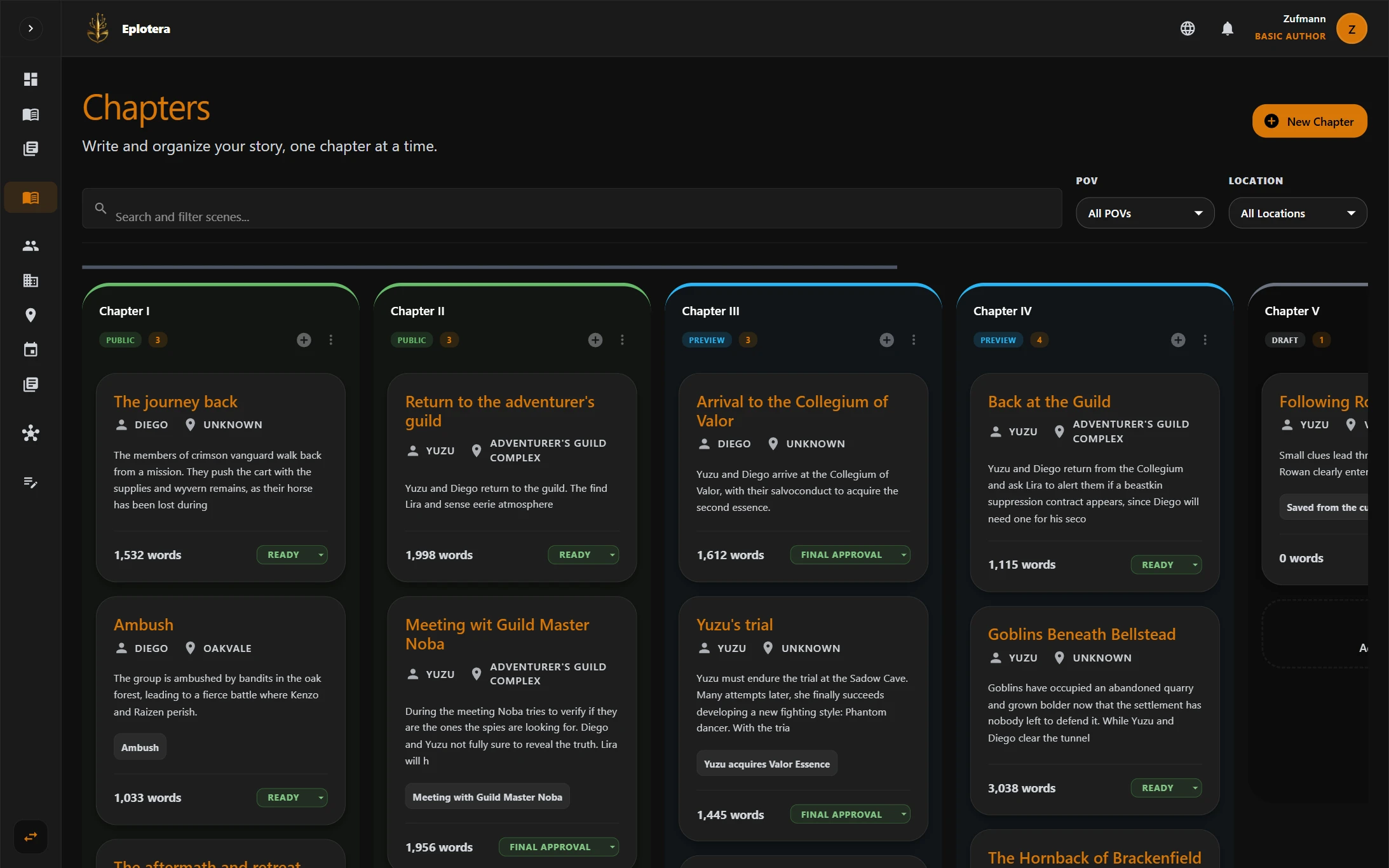
Write
Move from scene planning to finished prose.
Plan the work at scene level, organize it into chapters, and write with the context of the story close at hand.
01 / 03
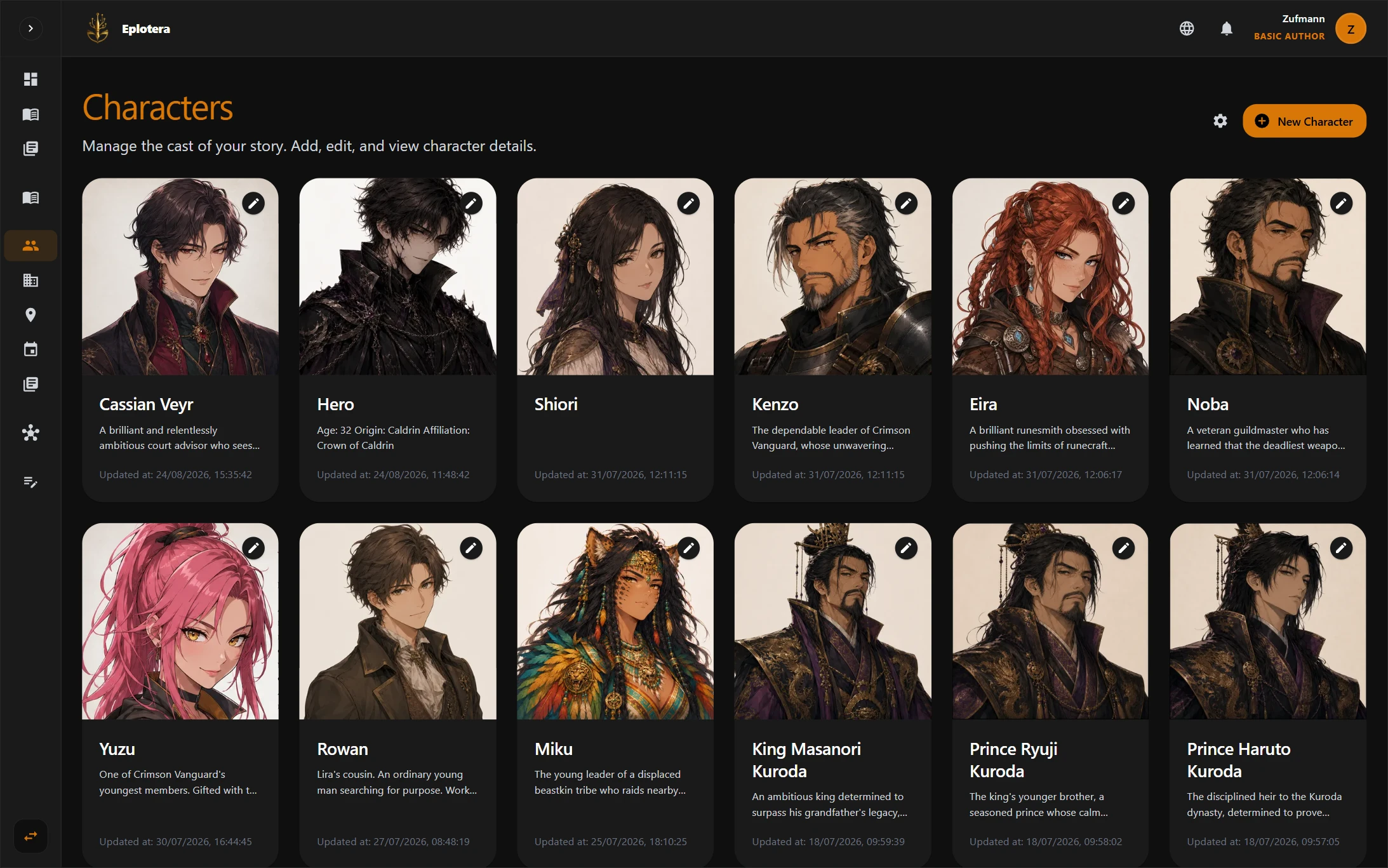
Build
Give every part of your world a place.
Document the people, places, events, organizations, and concepts behind the novel, then place its geography on a map.
01 / 04
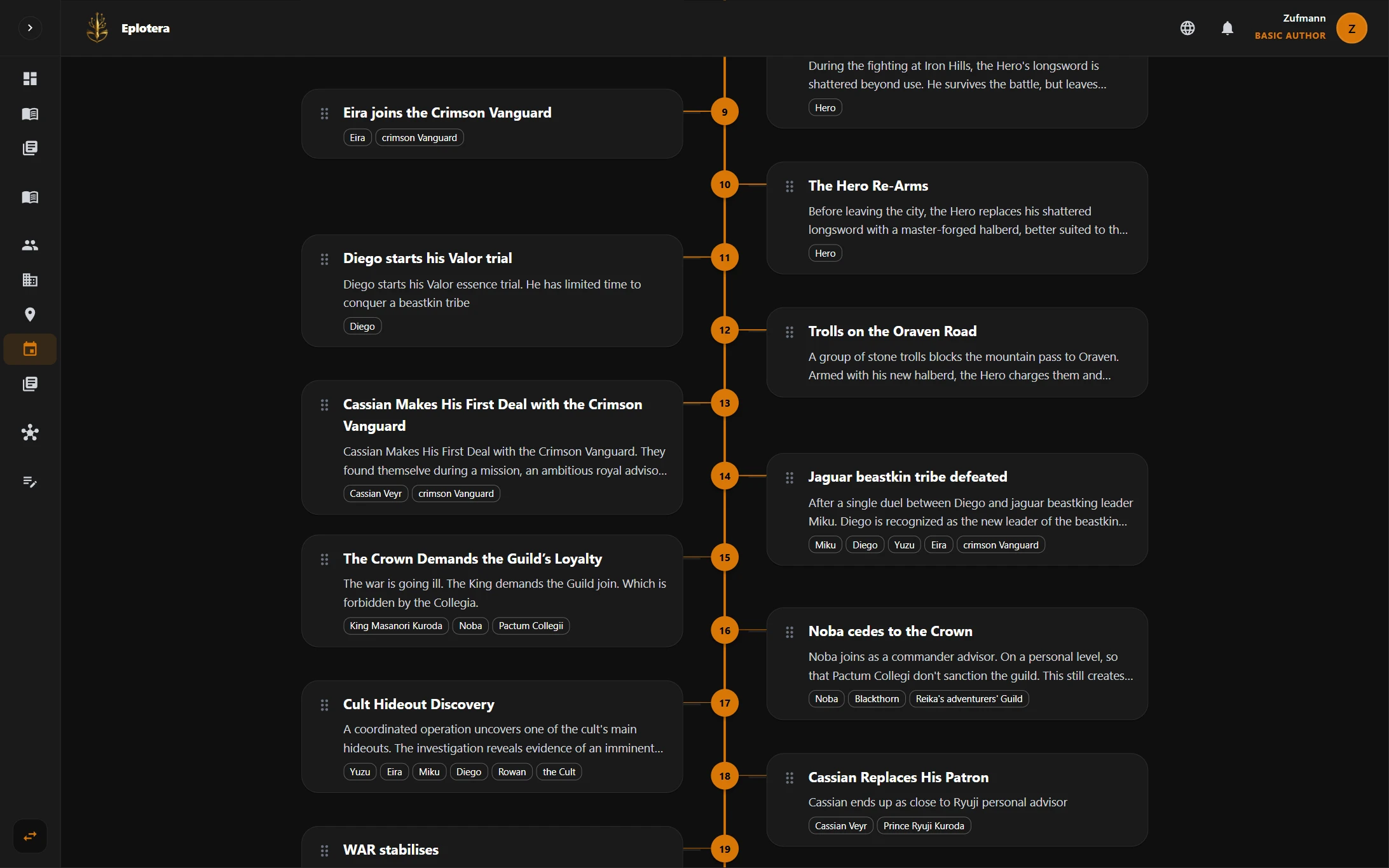
Track
Follow what happened and what it changed.
Keep the overall sequence of events clear, then step through story time to see how those events changed a specific entity.
01 / 04
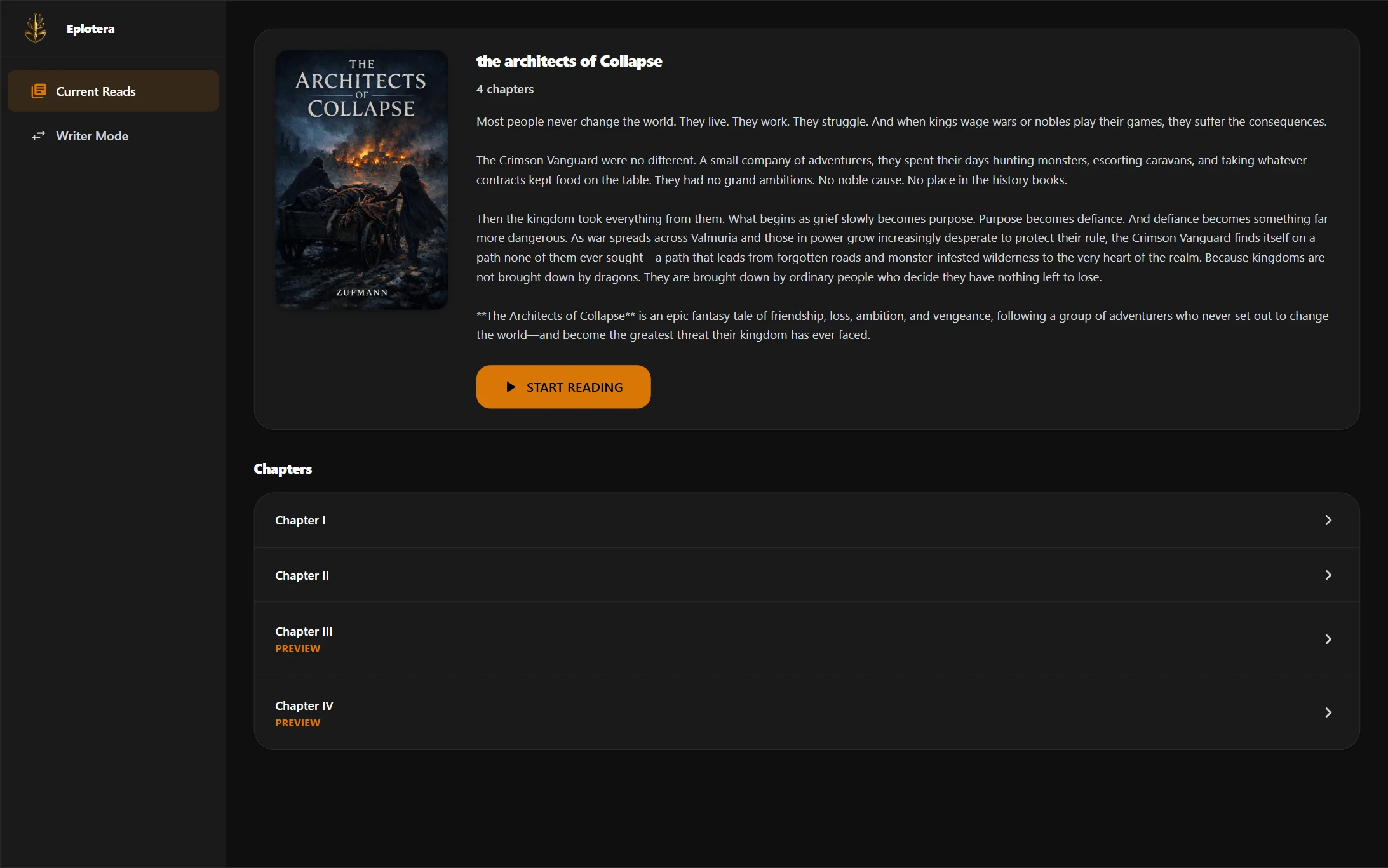
Share
Bring trusted readers into the process.
Control access for collaborators and beta readers, gather feedback, export the manuscript, and publish stories for readers.
01 / 03
Explore every capability
A practical overview of the tools available across the ePlotera workspace.
Write
Manuscript editor
Draft and revise long-form prose in a focused writing workspace. Keep chapter navigation and story references reachable without breaking concentration.
Scene planning
Define each scene before drafting, including its place in the chapter structure. Keep purpose, participants, and progression clear as the manuscript grows.
Chapters
Group scenes into chapters and move naturally between planning and prose.
Research notes
Keep research, references, and working ideas within the same project. Return to supporting material without separating it from the novel it belongs to.
Build
Characters, organizations, locations, and events
Create structured, searchable records for the characters, organizations, locations, and events that shape the story. Give each entity the details and context needed throughout the project.
Flexible codex
Create custom categories for lore, objects, systems, and concepts unique to the world. Organize material that does not fit a standard character, location, or event record.
Custom fields
Adapt entity records to the information that matters to your project.
Map editor
Build navigable geography with regions, routes, labels, and story locations. Connect the written setting to a spatial view you can inspect and refine.
Organization charts
Make roles, memberships, and chains of command visible. Use the organization graph to understand structure without reconstructing it from separate profiles.
Track
Event chronology
See the ordered history of the novel and the entities involved at each moment. Follow the sequence of consequences without relying on disconnected date notes.
Entity Timeline
View a character, location, or organization as it existed at different points in story time. Step between events to see exactly which details changed and when.
Event Changes
Record how an event changes the state and details of connected entities.
Relationship graph
Explore connections across characters, locations, organizations, and events. Follow labeled relationships to understand how one part of the world affects another.
Linked entities
Keep related story information connected instead of duplicating it across notes.
Share
Collaborators and permissions
Invite trusted people with access appropriate to their role. Keep collaborators and readers inside the project without giving everyone the same permissions.
Beta-reader feedback
Gather reader responses while the story is still developing.
Public Stories
Publish public chapters in a clean reader-facing experience. Give readers a focused place to follow the story outside the authoring workspace.
Manuscript export
Take the manuscript outside ePlotera in a practical document format.
Personal library
See every chapter across your novels, whether it is private or public. Use the Library as the complete author view, while Stories contains only chapters available to readers.